
Paiement mobile
Cagnottes
Set up a wedding or civil solidarity partnership (PACS) money pot in just a few minutes with Lydia. Invite your loved ones, collect contributions easily, and fund your honeymoon or your new life together as a married couple.

The beginning of your greatest adventure deserves to be celebrated with ease. Because every detail of your wedding or PACS matters, the Lydia app transforms the traditional wedding box into a smooth, secure, and elegant digital experience for you and your guests.
Choosing an online wedding money pot gives you total flexibility to design your gift list:
Finance your most beautiful projects as a couple: Whether it’s planning your dream honeymoon, furnishing your cozy home, or realising a project close to your heart.
Simplify event organisation: No need for a cardboard box on the big day. You’ll have a single centralised collection and one secure link to share on your invitations.
Guarantee your loved ones’ freedom: Everyone can contribute instantly and according to their budget, discreetly.
Advice from future newlyweds: Create your free online wedding fund today and make life easier for your guests!
1
2
3
4
Privacy Tip: You can hide the total amount raised for the fund from the app in the online page settings. Pro Tip: Print the QR code from the fund's web page and use the display stand or display it on the wedding gift box. Your guests will simply need to scan it to contribute. Handy Tip: You can even withdraw the funds in multiple installments as needed.
Ready to get started? We've prepared a ready-to-use wedding fund for you here
On your special day, managing your wedding list should not be a source of stress. Simple, fast, and highly secure, Lydia’s wedding money pot offers your guests a smooth experience. They can contribute safely by credit card, Apple Pay, Google Pay, or bank transfer, with no obligation to create an account. No commission fees or extra donations will be requested at payment.
All contributions made via the Lydia app are free of any service charges. This also applies if you choose to use your funds to purchase an Amazon.fr gift card. For any other withdrawal method, a fixed 4% commission is applied transparently.
Manage your wedding budget freely: you can withdraw collected amounts in multiple installments according to your preparation progress. The money is instantly available for your in-store or online purchases, allowing you to realise your life projects without delay.
Launch your fundraiser in under a minute

No, creating an account is not necessary. Your loved ones, family, and colleagues can easily contribute to your online wedding fund. To give their gift, they have several secure options available from their smartphone or computer:
Each Lydia fund has a unique and personalised sharing link. As future newlyweds, you can easily embed this link on your wedding website or send it directly to your guests via:
With a simple click, your loved ones can access the virtual fund and contribute in just a few seconds.
It's very simple: go to the settings of the money pot online page from the app to hide the total balance from your guests.
For participants: €0 fees. 100% of the amount paid is credited to the fund. No tip or additional donation is requested at the time of payment.
For the organiser: fees may apply only upon withdrawal, depending on how the fund was funded :
Yes, absolutely. You don’t need to wait until the end of the celebrations or the big day to use the money. Withdrawing funds never closes your wedding fund. The newlyweds can access the donations progressively, for example to pay wedding vendors (caterer, photographer) or book the honeymoon, by choosing:
To make things easier after the big day, the Lydia app centralises all the data. The newlyweds can view the complete money pot history at any time. You will find there:
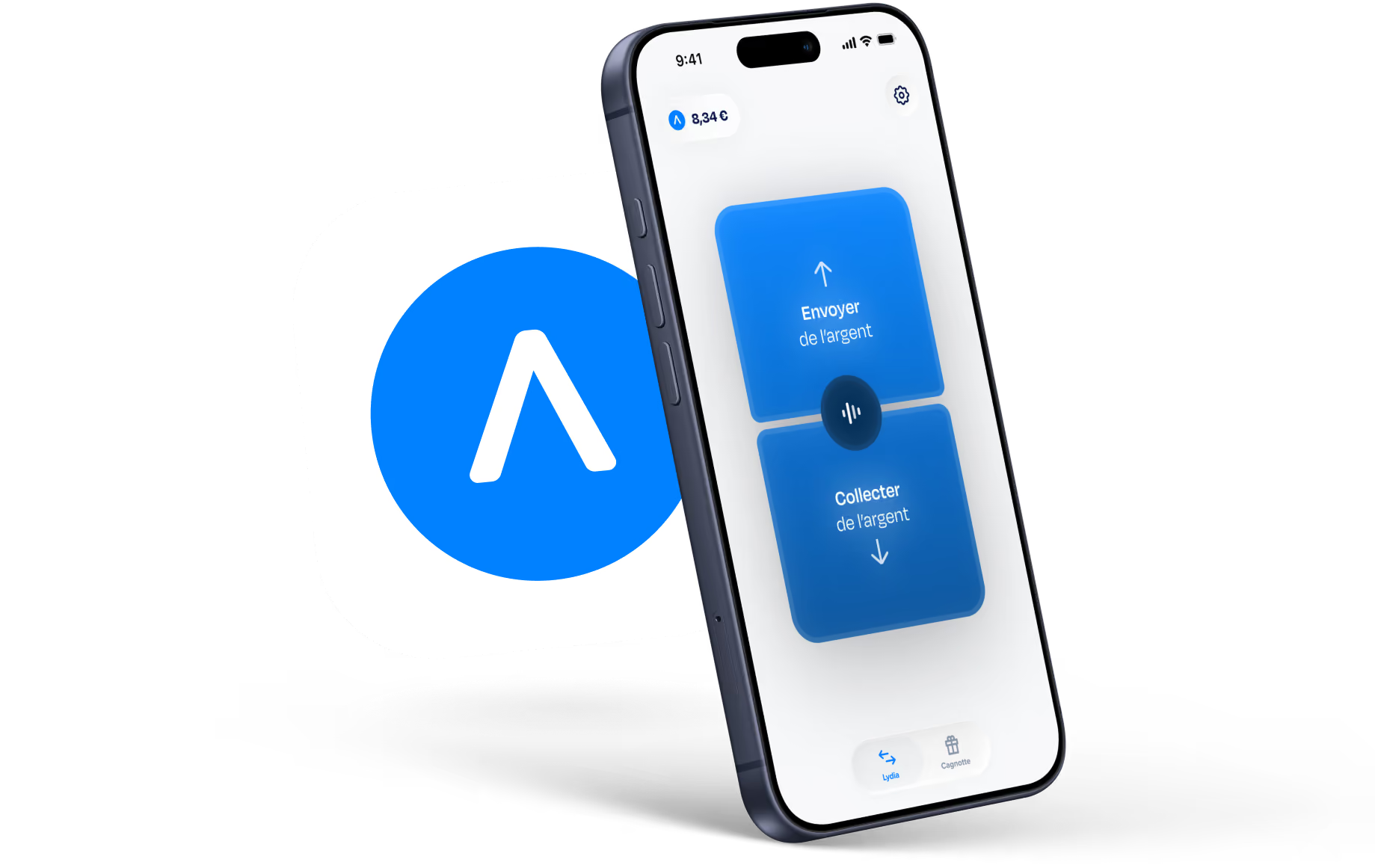
To try it is to adopt it: Download the Lydia application on your mobile now to make your life easier.


© 2026 Lydia Solutions. Tous droits réservés.